How to monitor competitor prices automatically
Learn how to automate competitor price monitoring, availability and delivery costs, then receive useful alerts in Excel or a custom dashboard.
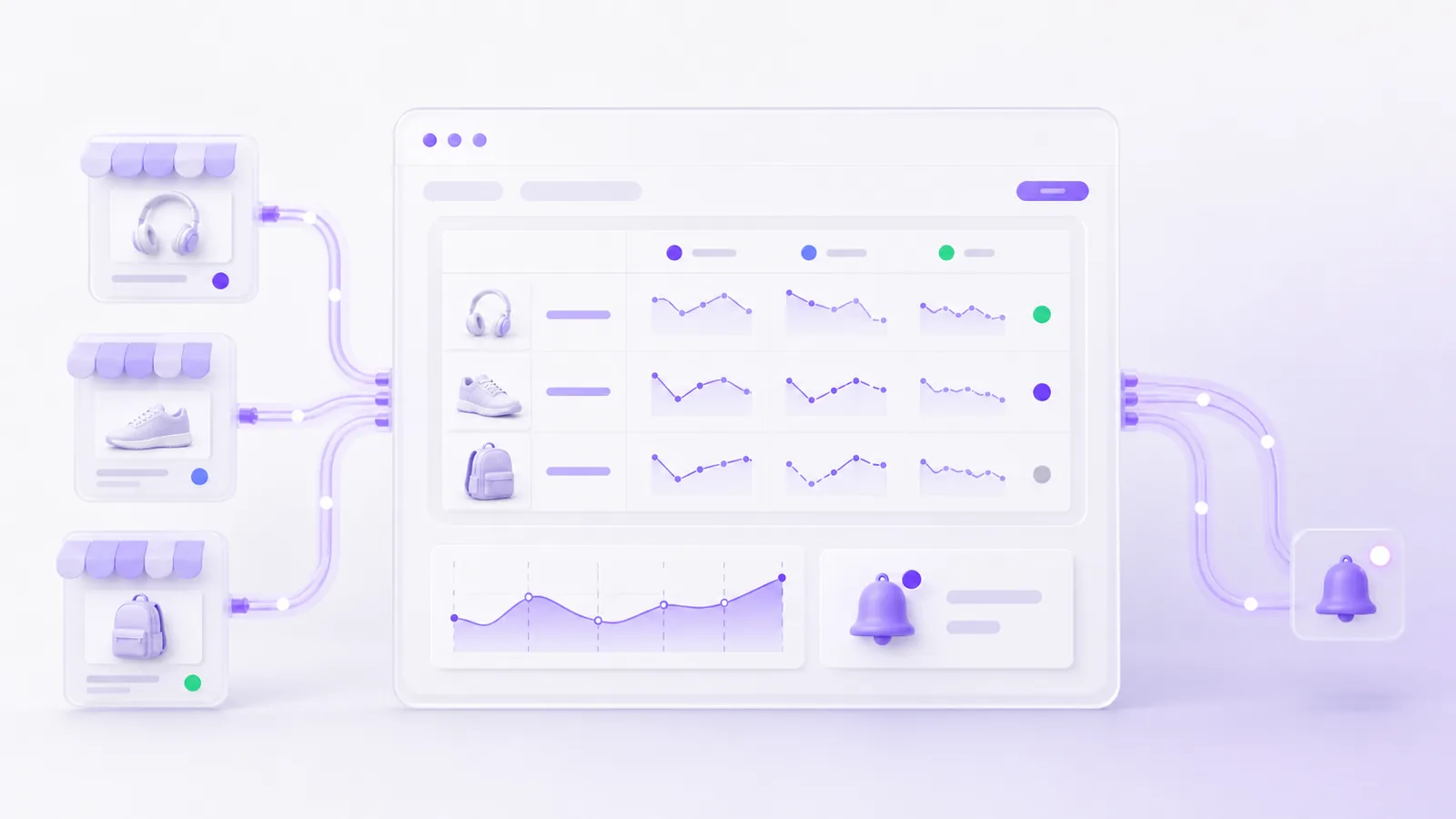
Manual competitor price checks usually start innocently. You open a few online shops, search for important products and enter the results into a spreadsheet. Once the job covers dozens of products, promotions and daily updates, the report can already be out of date before the analysis is complete.
Competitor price monitoring can be automated. A system regularly collects prices, availability and delivery costs from selected sources, matches equivalent products, stores a history and highlights changes that require attention. Results can go to Excel, Google Sheets, email notifications or a custom dashboard.
The goal is not to collect as many prices as possible. Effective monitoring provides data for a specific decision: reviewing the position of an offer, evaluating a promotion, replenishing stock or investigating a category.
How do you monitor competitor prices? The short answer
A practical process consists of seven steps:
- Select the products and shops that genuinely affect your sales.
- Define the fields to collect, such as price, availability, delivery cost and offer URL.
- Check whether the source provides an API or product feed. If not, assess whether the required data can be collected from its pages.
- Match equivalent products using EAN, manufacturer SKU or a set of attributes.
- Standardise prices, currencies, units and variants.
- Store the current result and its change history.
- Set alerts only for situations that call for action.
Start with a pilot covering a representative product group and two or three shops. This test will show the quality of the source data, the difficulty of matching and whether a spreadsheet will be sufficient or the team needs a dashboard.
What is automated competitor price monitoring?
The system runs on a schedule and checks selected sources. It may collect data from an official API, a product feed or the offer pages themselves. It then converts the result into a shared format and assigns each competitor offer to the correct item in your catalogue.
Every reading should include the source and retrieval time. This shows not only the price in the report, but where it came from and when it was checked. Successive readings create a history that helps distinguish a short promotion from a lasting change.
A script that merely retrieves numbers is not enough. A production solution should also detect missing values, a sudden fall in the number of offers and changes to page structure. Without these checks, an automation may complete without a technical error while saving incomplete data.
What should you monitor besides the product price?
The lowest number on a product page does not always represent the cheapest offer. Depending on the sector, useful fields include:
- the current gross or net price,
- the previous price and a promotion indicator,
- product availability,
- expected dispatch time,
- delivery cost and the free-delivery threshold,
- the seller when the offer comes from a marketplace,
- the variant, capacity, size or number of items in a set,
- the EAN, SKU or manufacturer part number,
- the offer URL,
- the time of the latest successful retrieval.
The scope should reflect the business decision. If customers compare the total cost of purchase, a product price without delivery can be misleading. If availability is the deciding factor, the report should distinguish an in-stock item from an offer that ships several weeks later.
It is also worth defining how to calculate a unit price. A 500 ml and 750 ml package should not be compared solely by the amount paid for one item. The system can convert values into a price per litre, kilogram, metre or individual unit.
Which products and competitors should you track?
There is no need to monitor an entire catalogue and every shop that appears in a search result on day one. A wider scope means more exceptions, more difficult matching and higher maintenance costs.
A useful first set may include:
- products that generate a meaningful share of sales,
- items frequently used in campaigns,
- high-margin or price-sensitive products,
- new items for which the business is still defining its market position,
- competitors serving a similar customer,
- marketplaces that genuinely influence purchasing decisions in the category.
The list can be divided into groups. Key products are checked more frequently, while the long tail runs on a slower schedule. This concentrates fresh data where it has the most value.
How do you match the same product across different shops?
Product matching is often more difficult than collecting the price. The same model may have a shortened name, a different order of attributes or an additional label created by the seller.
The most reliable options are unambiguous identifiers:
- EAN or GTIN, provided it refers to exactly the same variant.
- Manufacturer part number, particularly for electronics, components and technical equipment.
- Manufacturer SKU, when shops publish the same code.
- A set of attributes, such as brand, model, size, colour and capacity.
- Product name, used as supporting evidence when better data is unavailable.
Two offers should not be treated as identical merely because their names look similar. The difference may lie in the variant, quantity, included accessories or warranty conditions. Uncertain matches should be flagged for one-time review. Once approved, the pair can be handled automatically in later runs.
When data comes from several sources, a shared model and deduplication rules become important. Our guide to combining data from multiple websites in one database or dashboard explains this stage in more detail.
API, product feed or web scraping: where should prices come from?
| Method | When it works well | Main advantage | What to watch |
|---|---|---|---|
| API | The service offers official access to the required offers | Structured data and a predictable integration | Limits, charges, authentication and usage terms |
| XML, CSV or JSON | A partner or marketplace publishes a regular product feed | Efficient retrieval of a larger catalogue | Update delays and changes to the file structure |
| Web scraping | Data is publicly visible but no suitable API or file exists | Retrieves specific fields from an offer page | Page layout changes and the need for data-quality monitoring |
| Browser automation | A price appears after an interaction, variant selection or sign-in | Handles more involved workflows | Higher maintenance and greater sensitivity to interface changes |
Check official sources first. They are normally more stable than reading the visual structure of a page. Scraping is appropriate when the required information is unavailable in a better form and the planned use complies with the law and the service terms.
If you first need to assess a particular source, read our guide to extracting website data into Excel or an application.
What does the data flow look like?
A reliable price monitoring system normally separates several stages:
- Retrieval of current offers from every source.
- Validation of required fields, value types and result counts.
- Normalisation of currencies, tax treatment, units and availability labels.
- Matching competitor offers to products in the company's catalogue.
- Storage of the current result, history and source URL.
- Comparison with the previous reading and the company's own offer.
- Alerting when a defined condition is met.
- Technical monitoring when a source stops responding or returns unusual data.
Keeping these stages separate makes errors easier to investigate. When a price is missing from a report, you can determine whether it was absent at the source, rejected during validation or left unmatched.
How do you create alerts without overwhelming the team?
A message for every one-penny change will quickly become noise. An alert should correspond to a situation that requires a specific response.
Useful rules may include:
- a competitor reduced a price by more than a set percentage or amount,
- your offer moved outside a defined market range,
- a key product is available at only some of the monitored shops,
- a competitor started or ended a promotion,
- the total basket cost changed beyond a threshold,
- a product disappeared from a source or has not been checked successfully within the expected period.
Separate business alerts from technical ones. A commercial team should receive an important price change, while the system owner should hear about a retrieval failure. This prevents missing data from being mistaken for no change.
Example: monitoring 500 products across five shops each day
Assume an online shop wants to compare 500 products with five competitors once a day. It needs the gross price, availability, delivery cost and offer URL for every item.
Starting with the full scope would add unnecessary risk. A first stage might cover 50 representative products and two shops. The system collects the data, matches products using EAN and manufacturer part number, and sends uncertain pairs for manual review. For several days, the result goes to a spreadsheet without changing any prices in the company's own shop.
After checking the data quality, the team can add further sources, history and alerts. This staged approach exposes variant differences, unusual promotions and identifier gaps before the solution expands to the entire catalogue.
Excel, Google Sheets or a custom dashboard?
A spreadsheet is enough when:
- one person or a small team analyses the report,
- the number of products and sources is limited,
- filters, colours and basic formulas meet the need,
- data is refreshed once or several times a day,
- uncertain matches can be corrected manually.
An automation can prepare a new file or update a workbook on schedule. This is a practical way to validate the process without building a separate interface.
A dashboard makes sense when:
- several departments use the data,
- roles and different access scopes are required,
- users analyse price history,
- alert thresholds differ by category or product,
- matches need to be approved and decisions documented,
- the data triggers further workflows,
- the team needs a quick view of source quality and freshness.
The first dashboard does not need to be a large platform. It can begin with a filterable table, the history of one product and an error view. Add further features in response to how people actually use the data.
How often should competitor prices be checked?
The schedule should reflect market dynamics, product count and the decisions based on the report.
- Items in short campaigns may need several checks a day.
- A standard catalogue may only require a daily update.
- Slowly changing B2B offers might need a few readings a week.
- Key products can run more often than the catalogue's long tail.
API limits, server load and source terms must also be considered. More frequent collection will not improve decisions if nobody can respond at the same pace.
Is competitor price monitoring legal?
The fact that a price is technically accessible does not determine whether it can be collected and used in any way. Relevant factors include the source terms, API conditions, database rights, rights in the content, the scale of collection and the intended use.
Before implementation, review:
- whether the service provides an official API, feed or permission to use the data,
- restrictions in its terms,
- whether the process collects a small set of facts or a substantial part of a protected database,
- whether the data supports internal analysis or will be republished,
- whether personal data is included,
- whether the request frequency could interfere with the service.
The Polish Agency for Enterprise Development's web scraping guide discusses copyright, database protection, service terms and personal data. Every case depends on the source and intended use, so seek legal advice when the position is uncertain. This article is not legal advice.
Competitor data should support an independent business decision, not lead to price coordination with other sellers. If monitoring is intended to control automatic price changes, the rules should reflect your own costs, minimum margin, strategy and human oversight.
What affects the cost of automated price monitoring?
The main scope factors are:
- the number of sources and the access method for each one,
- the number of products and retrieval frequency,
- the availability of EAN, SKU and other identifiers,
- the number of variants and the difficulty of unit conversion,
- the required history and reports,
- the number of alert rules,
- the destination, such as a spreadsheet, database, dashboard or API,
- error resilience and the expected response time after a source changes.
The largest unknown is often the real data. A useful estimate should therefore begin with checking several offers in every source, not only with a product count supplied in an email.
How do you prepare a first pilot?
For an initial assessment, prepare:
- The URLs of two or three important competitor shops.
- A list of 20-50 representative products.
- Your EANs, SKUs or manufacturer part numbers.
- The fields required in the report.
- The expected update frequency.
- One example of a situation that should trigger an alert.
- Who will use the result and in which tool.
This is enough to inspect the sources, prepare a sample and assess matching quality. Decide whether to expand the monitoring only after this test.
Frequently asked questions about competitor price monitoring
Can competitor prices be monitored in Excel?
Yes. With a limited number of sources, the output can go to Excel or Google Sheets. The spreadsheet does not have to perform the retrieval itself. A dedicated script can update it on schedule and report errors.
Can the system change prices in my shop automatically?
It can be integrated with an ecommerce platform, but full automation is not a sensible first step. Begin by checking matching and data quality, defining a minimum margin and documenting exceptions. A recommended price that requires human approval is a safer starting point.
What happens when a competitor changes its page layout?
A scraper may stop recognising the required fields. The system should detect a fall in offer count, a missing price or an unusual result, stop the incorrect update and send a technical alert. An official API or product feed is normally less sensitive to visual page changes.
How can products be compared without EAN codes?
Use the manufacturer part number and a set of attributes such as brand, model, size, colour and capacity. Uncertain pairs should go to manual review. A similar name alone is not enough for reliable automation.
Do all products need to be monitored?
No. Accurate monitoring of the important part of a catalogue often provides more value than incomplete data about everything. Expand the scope after learning which information actually changes the team's decisions.
Do you want to stop checking prices manually?
Send us two or three competitor shops and a sample product list. As part of our systems and data integration service, we can inspect the available sources, identifier quality and the simplest way to prepare a report or dashboard.
Describe the monitoring scope in our contact form. The source URLs, required fields, sample EANs or SKUs and expected update frequency are enough for an initial assessment.