How do you combine data from multiple websites in one database or dashboard?
Learn how to collect data from multiple websites automatically, organise it in one database and use it in Excel, a dashboard or your own app.
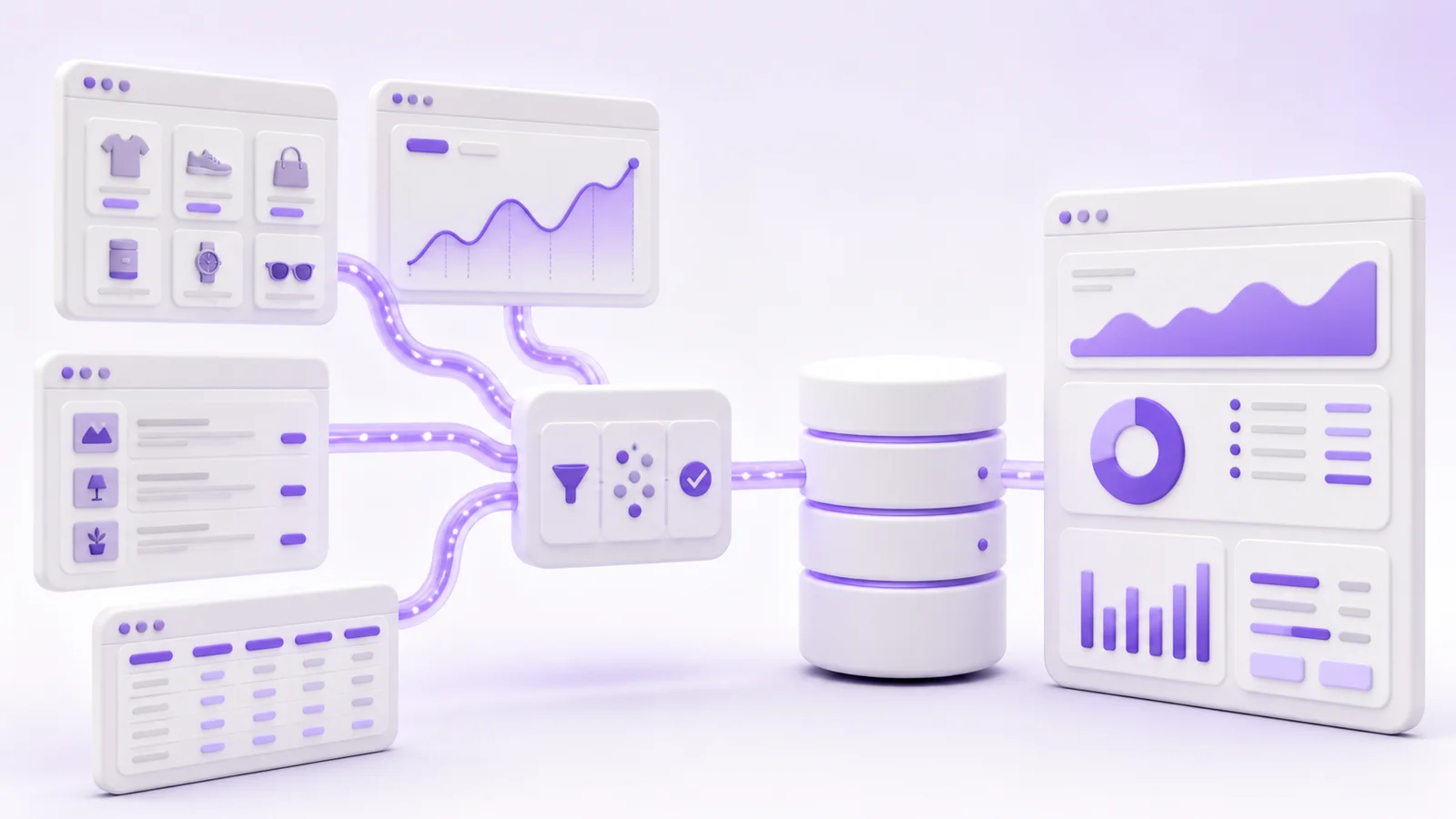
Do you open several websites every day, check prices, availability or new listings, and then copy the information into Excel? This approach may be adequate while the number of sources is small. It becomes a problem when the volume grows, each website changes at a different time, and the spreadsheet fills with duplicate and outdated records.
This work can be automated. Data from multiple websites can flow into one database, where it is standardised, compared and prepared for further use. You can view the result in a dashboard, download it to Excel, pass it to your own application or use it to trigger automatic notifications.
What does combining data from multiple websites involve?
The system visits selected sources on a schedule or downloads files they provide. It extracts the required information, converts it into a shared format and saves it in one database.
A typical process looks like this:
- The system retrieves data from each website, file or API.
- It checks whether the values are complete and correctly formatted.
- It standardises names, units, currencies and categories.
- It identifies records that refer to the same item across different sources.
- It stores both the current data and a history of changes.
- It makes the result available through a dashboard, Excel, an API or another system.
Employees no longer need to open every website separately. Instead of several incompatible datasets, they receive one current view.
How can data be collected from websites?
Not every integration requires scraping. The right method depends on how the owner of the source makes information available.
API
An API is a method prepared by the service owner for exchanging data between systems. It usually returns structured information such as a list of products, orders or listings.
When a source provides a well-documented API, this is normally the best place to start. The integration is more stable than reading content directly from the visual website. Rate limits, permissions and terms governing use of the data still need to be checked.
XML, CSV, Excel or JSON files
Wholesalers, manufacturers and business partners often provide their catalogue as a file. A system can retrieve it on a schedule and update prices, stock levels and product details.
The file may not be ready for immediate use. Its categories may not match your system, prices may need to be recalculated, and products may use different identifiers. This requires a mapping layer between the source and your database.
Web scraping
When a website provides neither an API nor a data feed, some information can be extracted from its HTML. A script locates selected elements, such as a product name, price, location or deadline, and saves their contents to the database.
Simple websites can be read without launching a full browser. Services that load content with JavaScript require a more involved solution. A future change to the page layout may also require the extraction mechanism to be updated.
Browser automation
Sometimes the data appears only after signing in, applying filters or clicking through several controls. A system can then perform a defined sequence of actions in a similar way to a browser user.
This method is used when simpler options are unavailable. It is more sensitive to interface changes and requires login details to be stored securely.
Why is retrieving the data only part of the job?
Collecting information is often not the most time-consuming part. The greater challenge is converting it into one consistent dataset.
Imagine three sources listing the same product. The first stores the manufacturer and model in separate fields. The second combines both in the product name. The third uses an abbreviation, a different currency and a price excluding tax. Without standardisation, the database will contain three records that cannot be compared fairly.
A reliable system therefore needs to address several problems.
A shared format
Dates, prices, currencies, units and locations need to follow the same rules. “1 kg”, “1000 g” and “1.000 kg” should represent the same quantity in the target system.
Matching identical records
Products are easiest to match by EAN, SKU or a manufacturer identifier. If none is available, the system can use the name, brand, specifications and similarity rules. The match should have a confidence level, while ambiguous cases can be sent for manual approval.
Removing duplicates
The same item may appear on several pages or return during the next scheduled retrieval. The database should update the existing record instead of creating another copy.
Recording changes over time
In many use cases, the current value alone is not enough. A history shows when a competitor changed a price, how long a product was unavailable or when a new listing first appeared.
Where can the collected data be used?
One database does not mean one way of working. The same information can serve several people and systems.
Excel or CSV
If the analysis takes place in a spreadsheet, the system can prepare an up-to-date file or supply a report without manual copying. This is useful when the team already knows Excel and does not yet need a separate application.
Web dashboard
A dashboard becomes useful when several people need to filter, compare and review the data. It can display the current state, the history of changes, the source of every record and the time of the latest update.
Notifications
There is no need to review a complete report every day. The system can send an email or message when a price falls below a threshold, a relevant listing appears or product availability changes.
Your own website or application
The database can supply a search tool, catalogue, comparison service or internal system through an API. Before publishing data obtained from someone else, you must establish that you have the necessary rights to use it in this way.
Common applications
Price and availability monitoring
An online shop can compare selected product prices across competitors and track changes. A useful report may also include availability, delivery cost and price history, so decisions are not based on one value without context. Our dedicated guide explains how to monitor competitor prices automatically and create useful alerts.
Aggregating listings and offers
A system can collect listings from multiple sources, standardise locations and attributes, and remove duplicates. Users receive one set of results rather than searching every portal separately.
Market analysis
The collected data can reveal the number of new offers, average prices, changes in availability or differences between regions. A credible analysis needs to retain the source, retrieval time and consistent processing rules.
Importing supplier data
A company can combine several wholesale catalogues in one product database. The system maps categories, recalculates prices, updates stock and passes selected items to an online shop or sales dashboard. Our dedicated guide explains how to automatically import wholesale products into an online store and run later synchronisations safely.
Tracking tenders, procurement notices and applications
Instead of checking several services manually, a company can filter new publications by sector, location, deadline or keyword. A notification reaches the appropriate person only when a matching record appears.
What information is needed before development begins?
You do not need an elaborate specification at the start. A short list is enough:
- the addresses of the websites or files that contain the data,
- the fields you need to collect,
- the required update frequency,
- the approximate number of records,
- whether the sources require authentication,
- examples of duplicates or inconsistent naming,
- the destination: Excel, a database, a dashboard, an API or an existing system.
It is usually best to start with one source and a small set of representative records. This test reveals the data quality, the difficulty of matching records and the stability of the chosen retrieval method. Further services can then be added on a reliable foundation.
Can data from any website be reused?
No. Public visibility does not automatically grant permission to copy and republish an entire collection of content.
Before implementation, review the service terms, database rights, copyright, the applicable licence and personal data requirements. Whether the data is used for internal analysis or republished in a commercial product also matters. The Polish Agency for Enterprise Development provides an overview of legal considerations around web scraping, although a specific project may require legal advice in the relevant jurisdiction.
The system should also limit request frequency, handle errors and avoid bypassing access controls without a clear legal basis and permission.
When is Excel enough, and when is a dashboard needed?
Excel may be sufficient when the dataset is small, one person works with it, and the analysis follows a fixed pattern. An automated file or Power Query can remove a substantial amount of manual work.
A dedicated dashboard makes sense when:
- several people use the data,
- different access levels are required,
- records need to be reviewed or corrected,
- change history matters,
- the system needs to send alerts,
- the data drives further workflows or applications.
You do not need to build a large platform immediately. The first version can support one source, the most important fields and one report. Further functions should be added after observing how the team uses the data in practice.
How do you combine data from several websites in practice?
The first step is to inspect the sources and determine whether an API, data feed or web scraping is appropriate. The next step is to define a shared data model, record-matching rules and the place where users will see the result.
If you currently copy information from several websites into a spreadsheet, review our systems and data integration service or describe the sources and the output you need in our contact form. We will assess which data can be retrieved automatically, how to combine it and whether a report is enough for the first version or a dedicated web application would be more suitable.